
Create a Wix Form In Minutes
Learn how to make an engaging interactive form and add it to your Wix site in minutes.
How to Add a Form to your Wix Site
Follow these steps to add a Wix Form to your Wix site:
1. Create a form
Start by creating a standard (single-page) form or an interactive (multi-page) form from scratch. You could also simply choose a form template and customize it.


3. Copy code
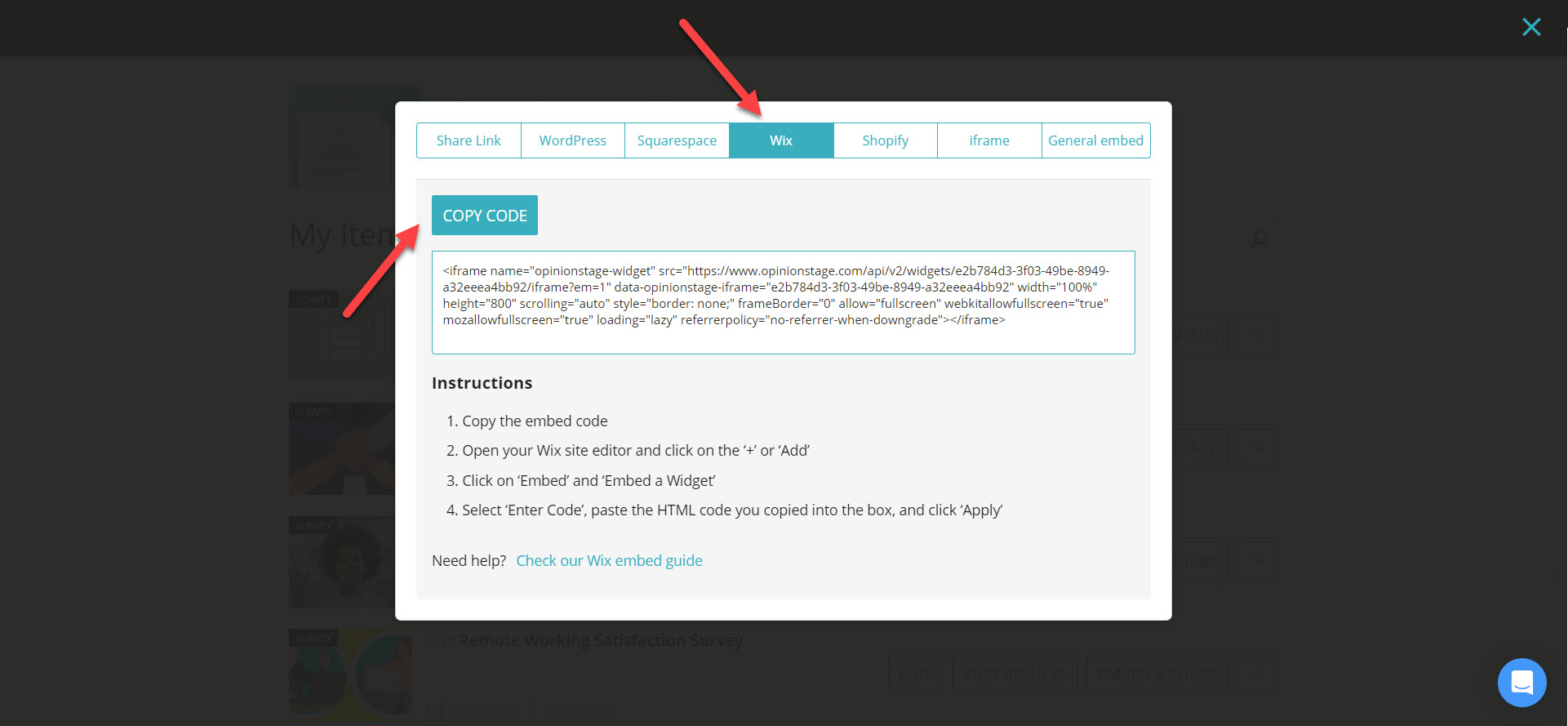
Click on ‘Embed & Share’. Select the ‘Wix’ tab, and copy the code.
4. Open Wix site
Now go to your Wix website. Click the ‘+ Add’ button In the site editor (the URL will begin with ‘editor.wix.com/….’), and then select ‘Embed’ and ‘Embed a Widget’.

5. Paste code
Select ‘HTML Code’ and then select the ‘Enter Code’ option. Paste the code you copied earlier into this box, then click ‘Apply’.

Quiz Types & Tools
You can easily do it yourself, no need for a developer
Create a Form