
An Assessment Tool That Gets Better Results
A free assessment tool that does the hard work for you. Stay updated with real-time feedback. Enjoy automated visual reports.
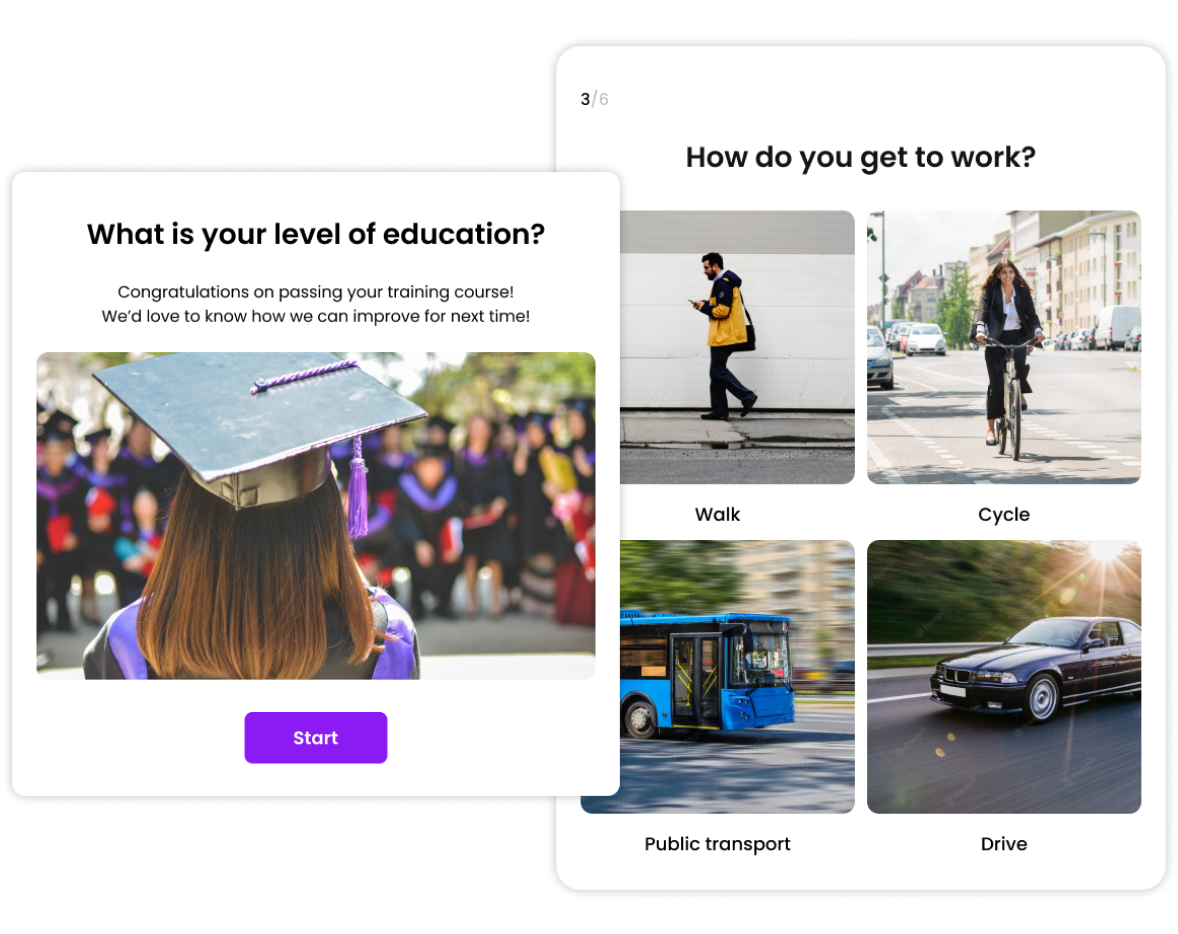
Trusted by 100,000+ customers across 190 countries








Templates & Examples
Hundreds of templates for every use-case or scenario.
View more templates





Why Make an Online Assessment?
Find out how you can use online assessments to help you with anything from measuring skills, finding the perfect employee, and encouraging your assessment takers to reach their goals.
Help Your Audience Process New Information
People process information better when they’re engaged, challenged, and entertained. By adding interactive assessments into their learning process, you give them a chance to learn actively and improve their grasp of key concepts independently.
Measure Skill & Knowledge Acquirement
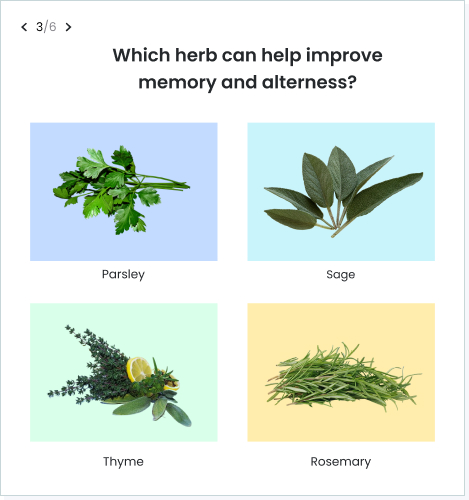
You can use assessments to quickly discover your audience’s skill or knowledge level before beginning a lesson or training.
- Identify your audience’s strengths and areas for improvement and tailor the course to their needs.
- Use knowledge or skill assessments to figure out who needs help with what and provide targeted interventions and personalized support.
- Create a multiple-choice quiz to easily evaluate the effectiveness of your learning programs.
Gather Constructive Feedback
Whether it’s evaluating a past sprint or seeking input for an upcoming team day, online assessment tools provide a convenient way to gather feedback.
You can get accurate feedback by using visually engaging surveys. They’re more accessible and less daunting than regular surveys, which makes it easier for respondents to be honest in their answers. Surveys are also a fast way to get feedback since they’re built quickly and responses are processed automatically.
Streamline Recruitment Processes
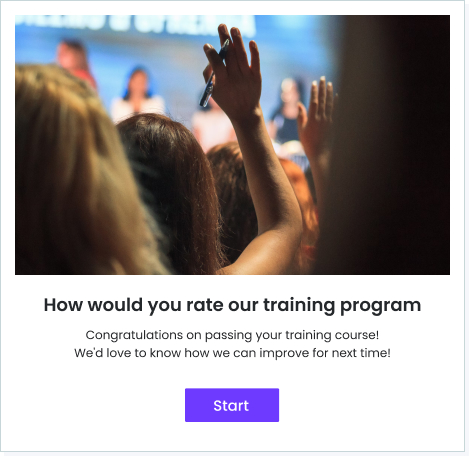
Our online assessment platform can help you find the best candidate for the job. Make sure candidates have the required soft skills by using a personality quiz to assess their fit before moving on to interviews.
Use our trivia quiz maker to assess candidates based on their knowledge and expertise. It’s a great way to quickly filter out individuals who don’t meet your requirements and help you narrow down your candidate pool.
Assess Product/Service Satisfaction
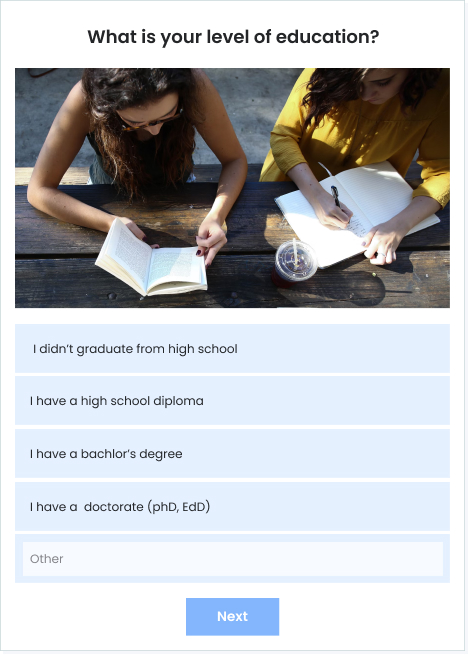
Level up your services using our online assessment software to create satisfaction surveys for your customers.
- Use our automated reports to gain valuable insights into your customer’s preferences, wants, and needs.
- Stay ahead of emerging trends by analyzing the data from the reports and identifying patterns or changes in customer behavior.
- Ask customers for feedback to help you continuously improve and deliver top-notch service.
Evaluate Employee Performance
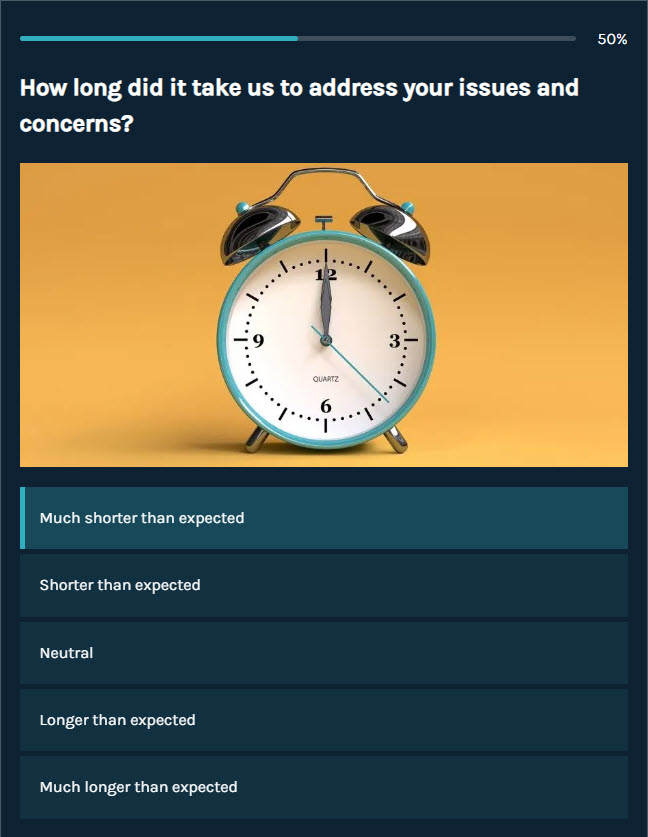
Check up on your team’s performance and easily spot areas for improvement. To make sure everyone’s on track, use our assessment software every quarter to monitor progress and drive growth.
Encourage Regular Empowering Self-Assessment
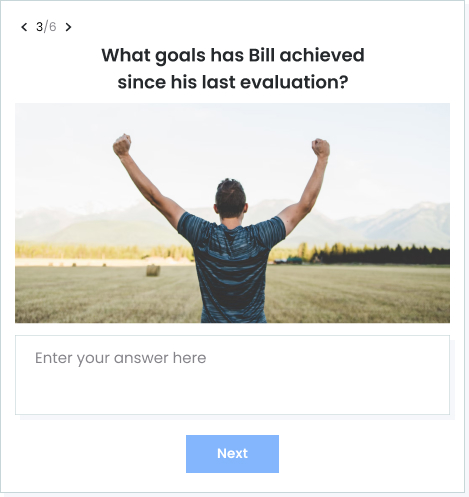
Encouraging your audience to engage in self-assessment on a regular basis is a powerful way to foster personal growth and development. Through self-assessment, individuals can cultivate a growth mindset, boost self-confidence, and become more self-aware. It empowers them to take ownership of their learning journey and progress towards their goals.
Ready to get started?
Create an AssessmentWhy Use Our Assessment Tool?
Our assessment builder makes it easy to create assessments quickly and get results instantly. Check out our key features below:
Engage Your Audience With Fun, Interactive Assessments
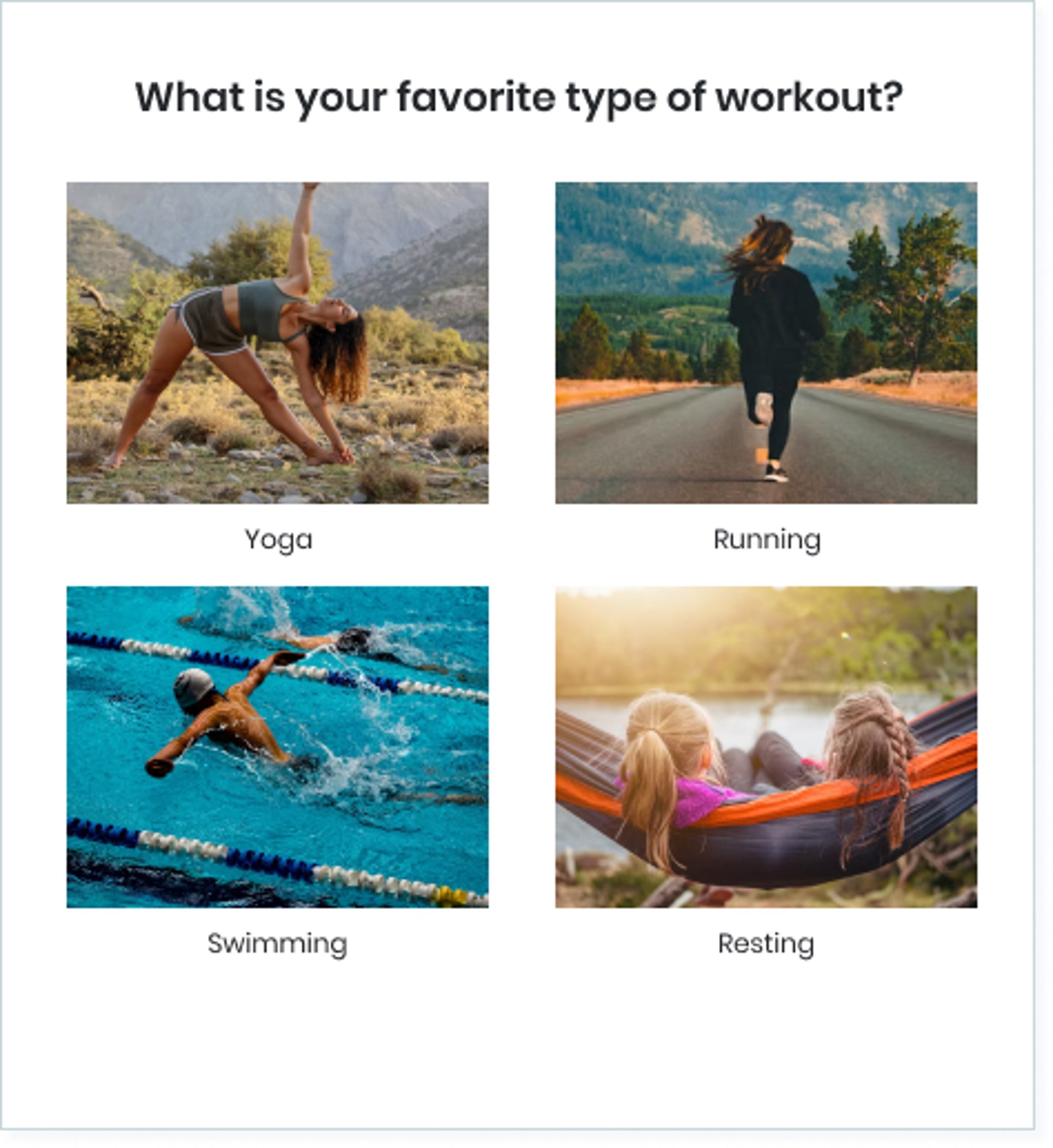
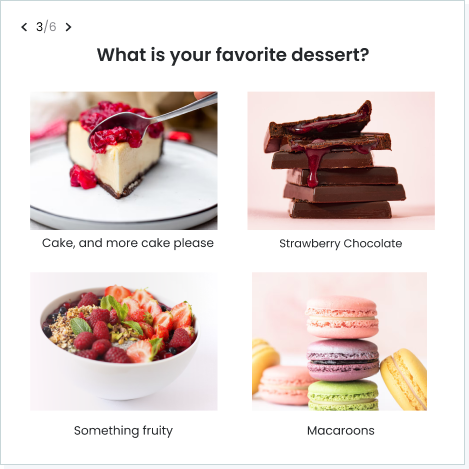
Make dull assessments a thing of the past by mixing up question types, adding high-quality images, and incorporating videos to keep engagement high.
Get Better Responses with Personalized Assessments
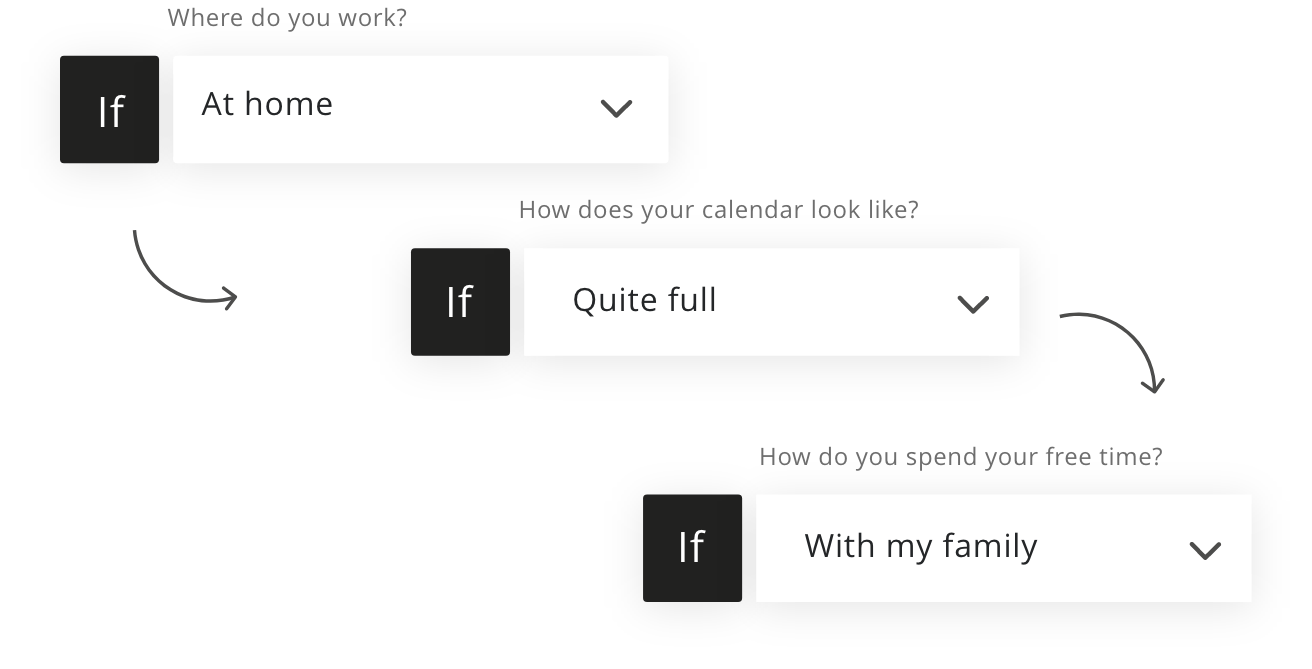
Personalized assessments make your audience feel seen and respected, resulting in better engagement and more valuable answers.
- Use skip logic to send respondents to different questions based on their previous responses.
- Add answer piping to include your participant’s answer to one question in the following questions. For example, you can ask their name in the first question and refer to them by name in the next questions.
Professional Designs in One Click
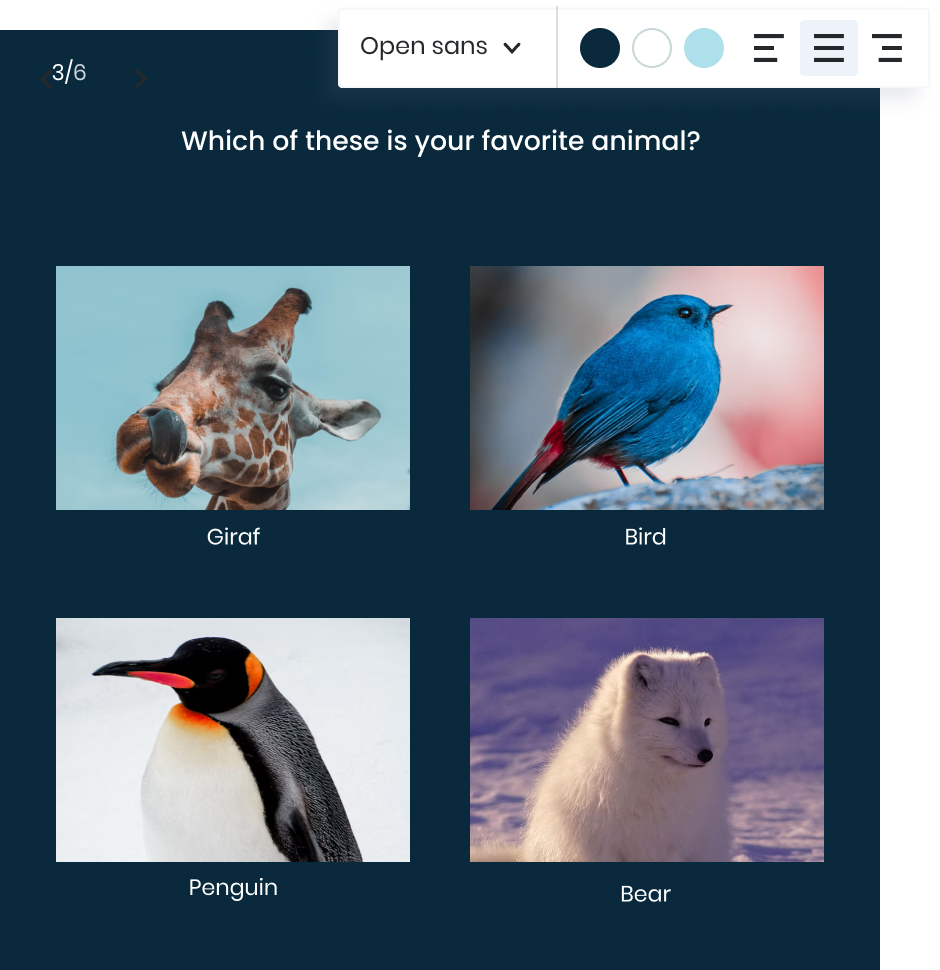
Say goodbye to complicated software. Our user-friendly, no-code platform makes it easy to build professional assessments that align with your brand and vision.
Add your own logo and use our white label option to give your quizzes an in-house feel.
Choose a template from our template library and personalize every aspect of your quiz, including the color theme, font, and letter size.
Quick & Easy to Create
Use our assessment builder to create beautiful quizzes that keep your audience engaged until the very end.
- There’s no learning curve with our user-friendly interface. Start creating assessments right away and get the results you need fast.
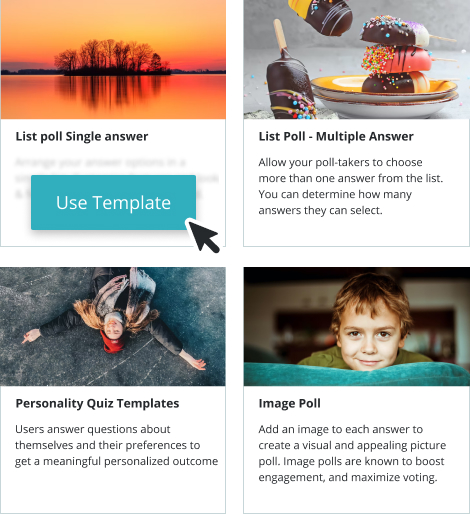
- Create a quiz from scratch, or save even more time with our optimized templates.
- Customize anything you like, from the theme, color, or font.
- Upload your own custom CSS to make your assessment match your brand perfectly.
Automatic Reporting That's Easy to Understand
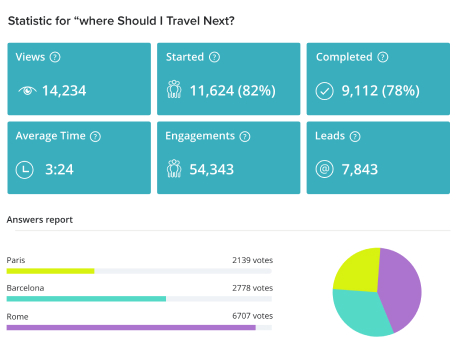
Easily analyze your audience’s answers and results in real-time with our detailed visual reports and use them to perfect your content.
- Performance reports help you keep track of how many times people viewed, started, and completed your assessment. Use them to measure your assessment’s performance and identify areas for improvement.
- Answer reports allow you to view and compare answers in pie chart, bar chart, and table form. You can see all details at once or compare the answers for each question.
- Result reports allow you to analyze, compare, and gain insights based on your participant’s results.
You can easily export all data to a CSV/XLS file for advanced analysis.
Secure and Private
Top organizations and publishers trust us with their data.
- We store all data on secure Amazon AWS servers in the cloud and transmit all data over HTTPS.
- We are GDPR compliant and follow strict industry-standard security and privacy guidelines.
- We conduct regular assessments to verify that your data is secure and safe at all times.
Your data, as well as your audience’s data, is always safe with us. For more details, refer to our privacy policy.
Create any Type of Assessment
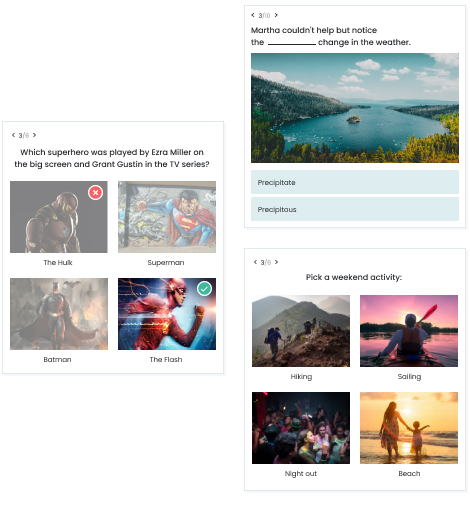
Different assessments require different types of quizzes. With Opinion Stage, you can make any type of quiz to fit your needs.
- Use our trivia quiz maker to assess student understanding of a topic before you begin a new chapter.
- Find out if your job candidate is the perfect match by giving them a personality quiz to complete.
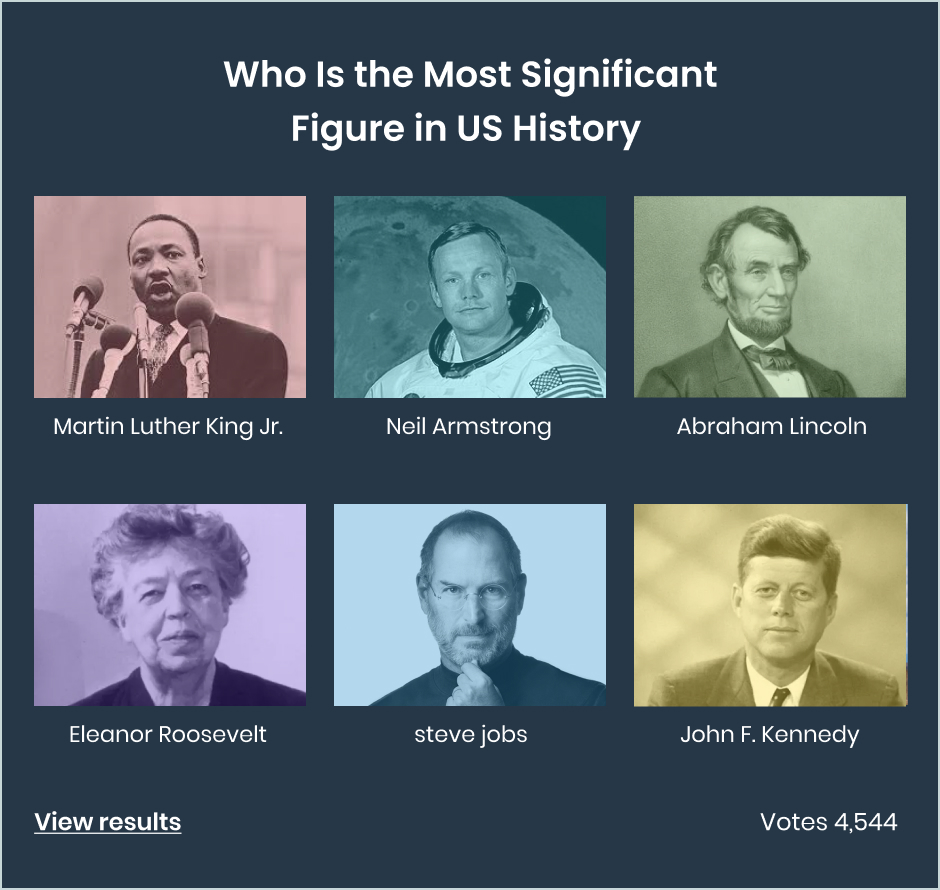
- Create a poll to get input from your team for important decisions.
- Make a quick survey to assess the skills, availability, and preference of your team members for a project. This can help you assign tasks to the right people to maximize success.
Looks Great on All Devices
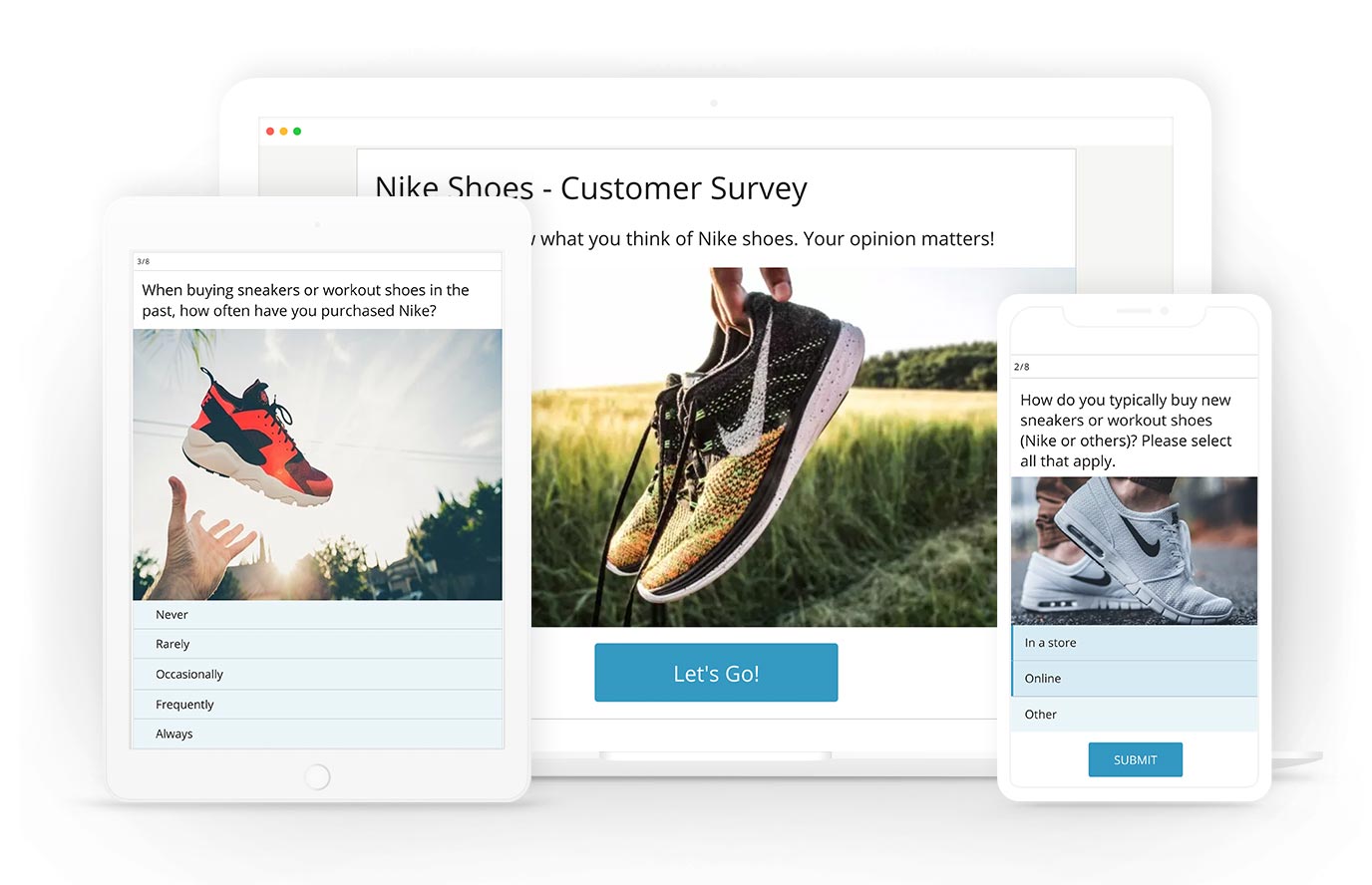
Your quizzes will always look great and perform well on any device. From small mobile phones to large desktop screens, participants can easily engage with your quizzes wherever they are.
Plus, our automatic optimization techniques guarantee fast loading times, regardless of screen size or network connection speed.
Support Whenever You Need It
With our help center, live chat, and onboarding support, you’ll never feel like you’re on your own. We’re here to help you every step of the way.

Easily Connect Your Assessments to Integrations
You can connect your assessments to your email, CRM, or marketing automation system to conveniently send and receive data.
We also support integrations with MailChimp, Hubspot, Zapier, API, custom webhooks, and more to ensure you get optimal results.
How Do You Make an Assessment?
Follow our quick step-to-step guide to create engaging assessments that your audience will love.
Set a goal
Creating a meaningful assessment begins by setting a clear goal. Think about what you want to achieve. Are you looking to measure knowledge retention or track progress? With a goal in mind, you can ensure your assessment aligns with your desired outcomes.
Choose an assessment tool
Once you’ve defined your goal, it’s important to research and explore different assessment types. By understanding the unique features and benefits of each type, you can make an informed decision and select the most suitable option for your goal.
- Use a trivia quiz when you want to assess your participant’s knowledge. Don’t forget to keep your assessment takers engaged by using different question types such as multiple choice, true/false, and open-ended questions.
- A personality test will give you insight into the unique personalities of your individual students or trainees. By taking a look at their results in our automated reports, you can adjust your approaches to fit their specific needs.
- Using a survey for assessments is like having a meaningful conversation. Surveys can help you to assess how your audience feels about a topic, event, or upcoming project.
- Forms are a great assessment tool that allow you to collect essential data, like contact information, from participants. This way, you can stay connected, follow up effectively, and ensure ongoing engagement with your audience.
- Polls help you quickly gather opinions, preferences, and votes from participants, allowing you to make well-informed decisions.
Create your assessment
Now it’s time to build your custom assessment. You can start from scratch, or choose one of our optimized templates to save even more time. Make sure that your title and questions are clear and understandable. Add bright images and a variety of question types to keep your audience interested.
Share it with your audience
Share your assessment with your audience on any social network, email list, or messaging app. You can also embed it on any web page or run it from an optimized landing page on the Opinion Stage site.
Track results and learn from them
Keep track of the results of your assessment by going to your dashboard. Here you can see the answers people send in, check engagement and time on page, analyze drop-off points, and more. Use this valuable feedback to adjust and improve future assessments, trainings, or lessons.
FAQ
What is an assessment tool/software?
Assessment software makes it easy to create tests, quizzes, or surveys that you can use to assess an individual’s or group’s progress and evaluate performance.
Why use an assessment tool?
Using an assessment tool is a great way to gather meaningful data and understand how your audience is progressing and performing over time. It helps you to effectively measure growth, identify areas for improvement, and track overall success in an efficient way.
What types of assessments are there?
Assessments come in a wide range of forms, each designed for specific purposes and offering unique benefits. We’ve introduced a few assessment types below, but for a deeper dive, make sure to check out our blog post here for more detailed breakdown.
- Criterion-referenced assessment: This type of assessment measures an individual’s level of knowledge or skills in a particular topic, such as an end-of-unit exam in school or a driving test.
- Formative assessment: Formative assessments keep track of an individual’s progress and identify areas that need improvement, such as a skill analysis or self-evaluation.
- Summative assessment: This assessment evaluates an individual’s performance at the end of a course or training session by comparing it against a standard or benchmark. For example, a final exam or project.
- Ipsative assessment: Ipsative assessments compare an individual’s current performance to their previous results. This is also known as a forced-choice scale.
What are the 4 main steps in the assessment process?
Follow these four essential steps to make sure your assessments get top-notch results.
- Clearly define and identify learning outcomes
Start by figuring out what skills and knowledge you want your audience to gain. What should they be able to do, know, and value? Set clear goals to guide your assessment. - Select the right assessment measures and assess learning outcomes
Choose the best ways to assess your audience’s abilities. You might create rubrics or use standardized criteria to ensure fair and consistent evaluation. - Analyze the results
Take a close look at the results and dig into the data. What does it tell you? Identify areas where your participants are excelling and where they need improvement. Don’t forget to remove any irrelevant questions that don’t contribute to the learning outcomes. - Adjust or improve programs based on the results
Use the insights you gained to make necessary adjustments. Are there any gaps in your audience’s knowledge? How can you fill those gaps and enhance their learning experience? Create a plan to implement improvements for more effective results in your future assessments.
What are the 4 characteristics of an assessment tool?
To get the best results, make sure the assessment tool you’re using has these important traits.
- Reliability
A good assessment tool is one that you can rely on to give you consistent and accurate results every time you use it. This way, you can be confident that the results are accurate and dependable. - Validity
Make sure your assessment tool accurately measures what it’s supposed to. For example, if you’re measuring problem-solving skills in a business setting, it’s better to use real-life scenarios or case studies where participants can analyze and propose solutions, rather than just asking theoretical questions. - Equitable
It’s important for an assessment tool to be fair and treat all participants equally. Everyone should have a level playing field, and the assessment shouldn’t favor or disadvantage any individual. - Standardization
To maintain fairness and consistency, it’s crucial to use standardized methods in assessments. This means using the same questions and grading criteria for all participants and evaluating everyone on the same basis.
Quiz Types & Tools
You can easily do it yourself, no need for a developer
Create an Assessment